> ## Documentation Index
> Fetch the complete documentation index at: https://hastekit.ai/docs/llms.txt
> Use this file to discover all available pages before exploring further.
# System Prompt
> Define your agent's behavior — inline or by reference to a versioned prompt template
The system prompt is what tells the model *what kind of agent it is*. HasteKit lets you write it inline on the agent, or reference an immutable version of a [prompt template](/docs/gateway/agent-builder/prompts) from your project's prompt library so the same prompt can power many agents.
## Two ways to configure
### Use raw prompt text
Write the prompt directly on the agent. The editor supports multi-line text and syntax highlighting.
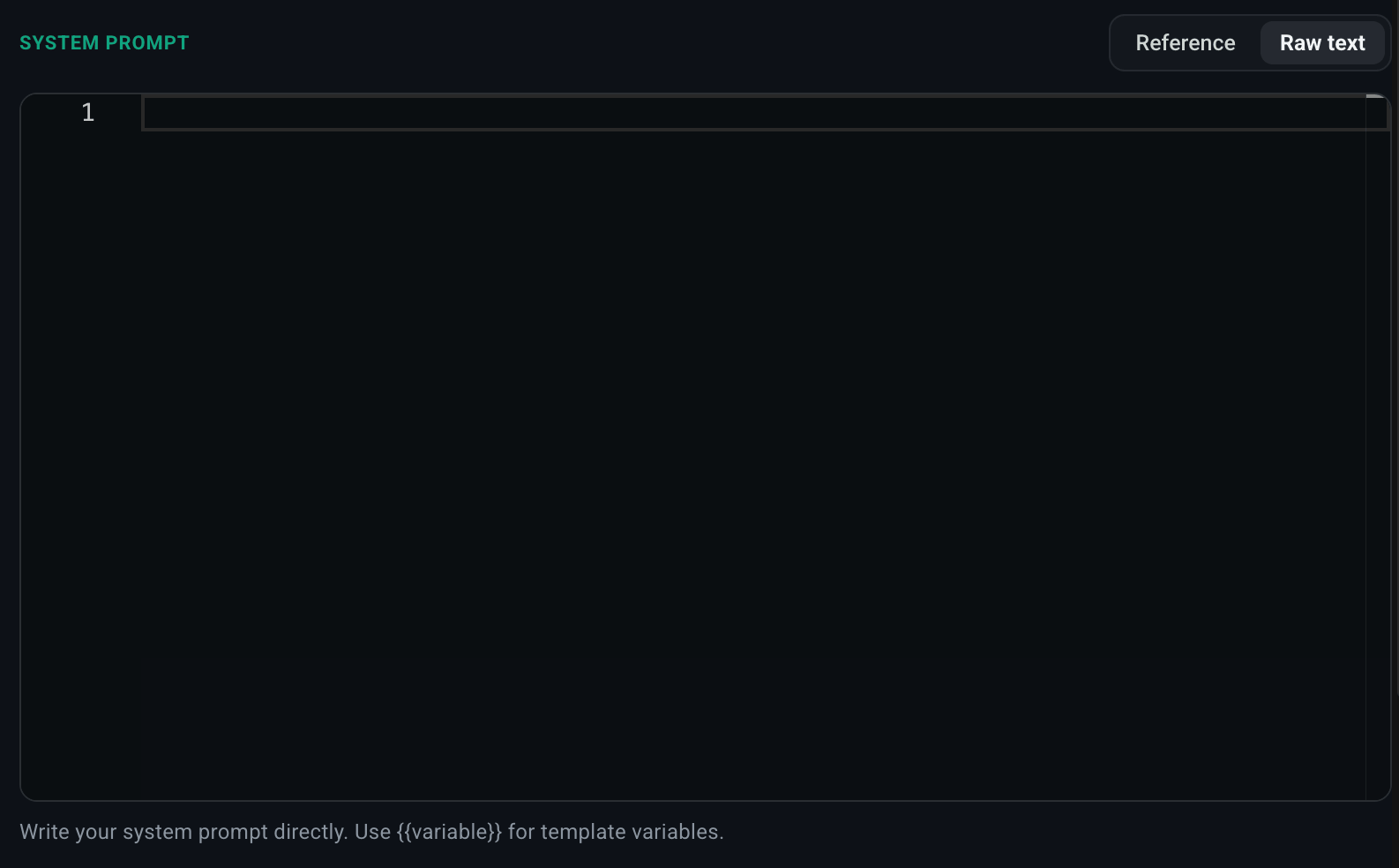 Best when:
* The prompt is unique to this agent.
* You're iterating quickly and don't yet want to version it.
### Use prompt reference
Reference a prompt from your project's [Prompts](/docs/gateway/agent-builder/prompts) library.
1. Select **Reference**.
2. Pick a prompt from the **Select Prompt** dropdown.
3. Optionally pin to a specific version (or leave on `$LATEST`).
Best when:
* The prompt is unique to this agent.
* You're iterating quickly and don't yet want to version it.
### Use prompt reference
Reference a prompt from your project's [Prompts](/docs/gateway/agent-builder/prompts) library.
1. Select **Reference**.
2. Pick a prompt from the **Select Prompt** dropdown.
3. Optionally pin to a specific version (or leave on `$LATEST`).
 Each prompt version is **immutable** — referencing version `3` of a prompt guarantees the exact same text forever, even if a teammate later publishes version `4`. This is the recommended path for production agents.
Best when:
* Multiple agents share a prompt.
* You want to version the prompt independently of the agent.
* You want a non-engineer to be able to edit the prompt without touching the agent config.
## Variables
Prompt templates can use `{{variable}}` interpolation. Variables are resolved from the agent's runtime context (passed via the [chat UI's Add Context dialog](/docs/gateway/agent-builder/conversing-with-the-agent) or the HTTP request body). This lets one prompt template adapt to per-user or per-tenant data without spinning up a separate agent for each.
Each prompt version is **immutable** — referencing version `3` of a prompt guarantees the exact same text forever, even if a teammate later publishes version `4`. This is the recommended path for production agents.
Best when:
* Multiple agents share a prompt.
* You want to version the prompt independently of the agent.
* You want a non-engineer to be able to edit the prompt without touching the agent config.
## Variables
Prompt templates can use `{{variable}}` interpolation. Variables are resolved from the agent's runtime context (passed via the [chat UI's Add Context dialog](/docs/gateway/agent-builder/conversing-with-the-agent) or the HTTP request body). This lets one prompt template adapt to per-user or per-tenant data without spinning up a separate agent for each.