
Two ways to define the schema
Schema Builder
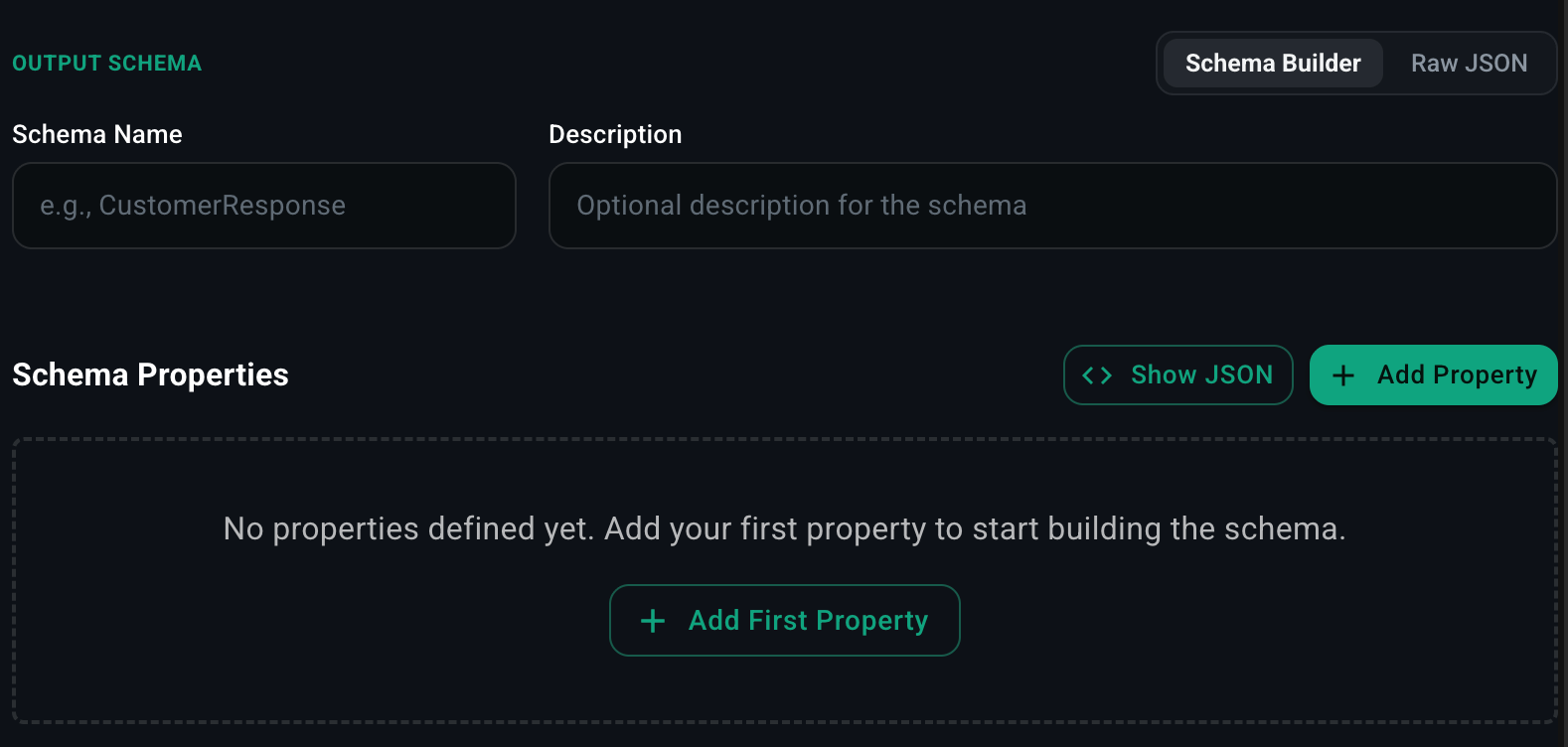
- Click Schema Builder.
- Enter a Schema Name (e.g.
CustomerResponse) and an optional Description. - Click Add Property for each field.
- For each property, pick a type (
string,number,boolean,array,object,enum) and set any constraints (required, default, min/max, allowed values). - Click Show JSON at any time to see the generated JSON schema.
Raw JSON

oneOf, $ref, deeply nested structures, or a schema you’ve already authored — paste the JSON Schema directly.
Runtime behavior
When an output schema is set, the agent’s final response is constrained to match the schema. Tool calls along the way are unaffected — only the response the agent returns at the end of its run is validated. If the model’s output doesn’t conform, the agent loop retries with the schema violation in the error message until it produces valid output (bounded by the Max Iteration setting on Agent Info).When to use it
- Extracting data from unstructured input (emails, support tickets, transcripts).
- Classification with a fixed set of labels.
- Tool-like agents whose response is itself a structured command for downstream code.
- Workflow nodes where an AI Agent node feeds typed output into the next step.