
Two ways to configure
Use raw prompt text
Write the prompt directly on the agent. The editor supports multi-line text and syntax highlighting.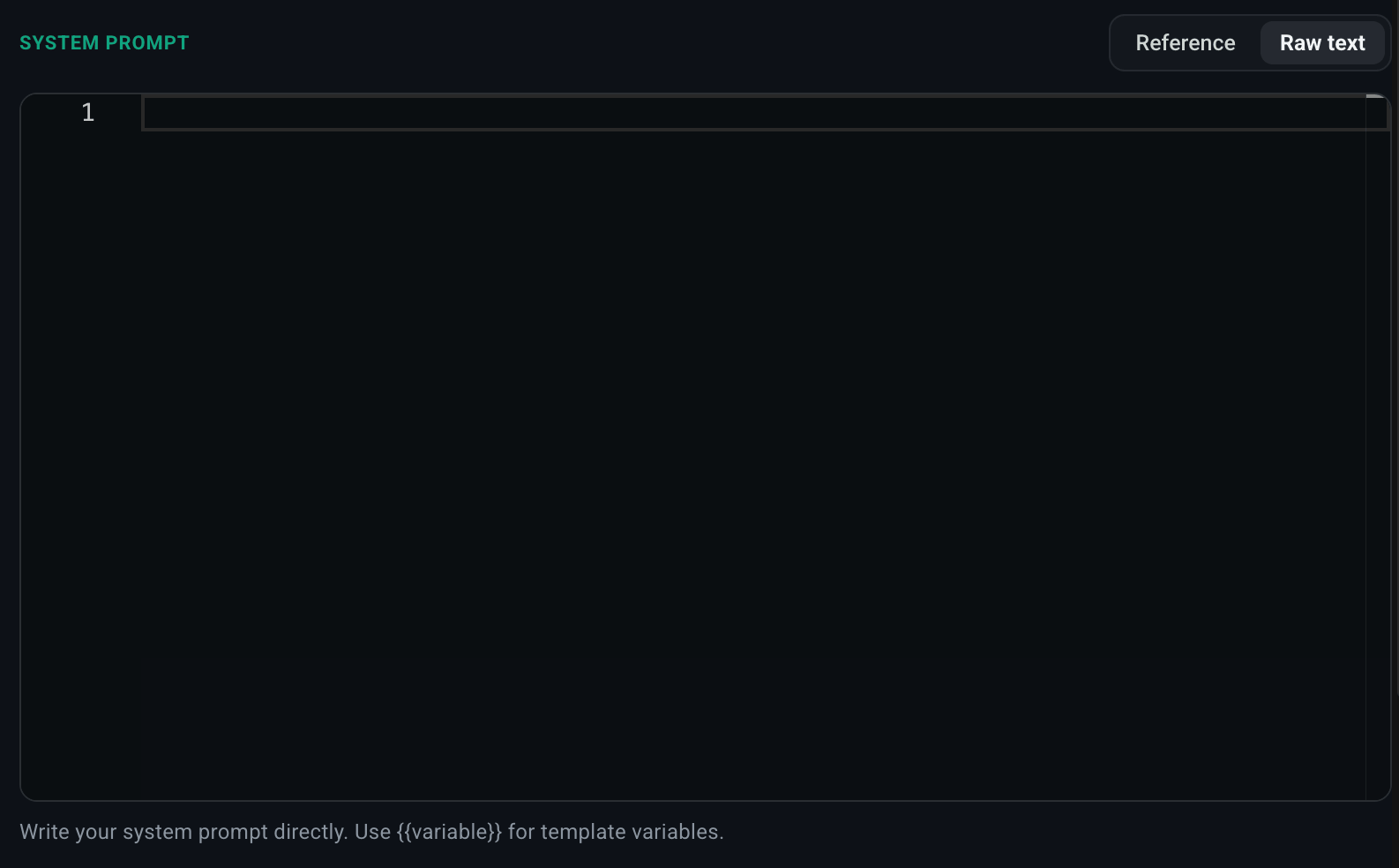
- The prompt is unique to this agent.
- You’re iterating quickly and don’t yet want to version it.
Use prompt reference
Reference a prompt from your project’s Prompts library.- Select Reference.
- Pick a prompt from the Select Prompt dropdown.
- Optionally pin to a specific version (or leave on
$LATEST).

3 of a prompt guarantees the exact same text forever, even if a teammate later publishes version 4. This is the recommended path for production agents.
Best when:
- Multiple agents share a prompt.
- You want to version the prompt independently of the agent.
- You want a non-engineer to be able to edit the prompt without touching the agent config.
Variables
Prompt templates can use{{variable}} interpolation. Variables are resolved from the agent’s runtime context (passed via the chat UI’s Add Context dialog or the HTTP request body). This lets one prompt template adapt to per-user or per-tenant data without spinning up a separate agent for each.